

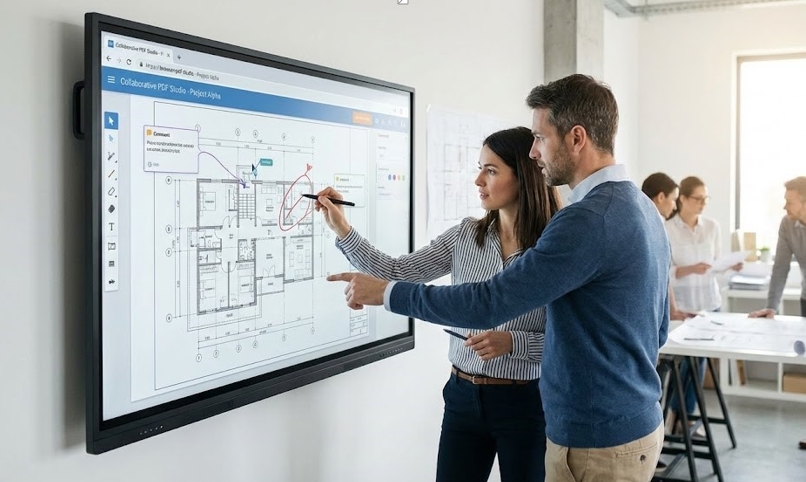
Searching for a free PDF editor can be surprisingly confusing. You will see dozens of tools that promise the same thing, but the experience can vary a lot. Some are smooth and helpful. Others are filled with distracting prompts or limits that show up right when you try to download. The goal is to find a tool that works well for your needs and does not waste your time.
Start by defining what you mean by editing. For some people, editing means changing the original text inside the PDF. For others, it means adding text boxes, signatures and comments on top of the existing content. Many free tools focus on the second category because it covers the most common tasks and is easier to implement reliably.
If you need true text editing inside a PDF, make sure the tool explicitly supports it. Some editors only allow annotations. Others allow limited text edits but may struggle with complex layouts. Always test on a document similar to the ones you typically use.
Next consider your device. If you are on a work computer where you cannot install software, online editors are a practical choice. If you are on a personal laptop, an offline editor might be faster and more private. On mobile, you want a tool that supports touch friendly placement and zooming.
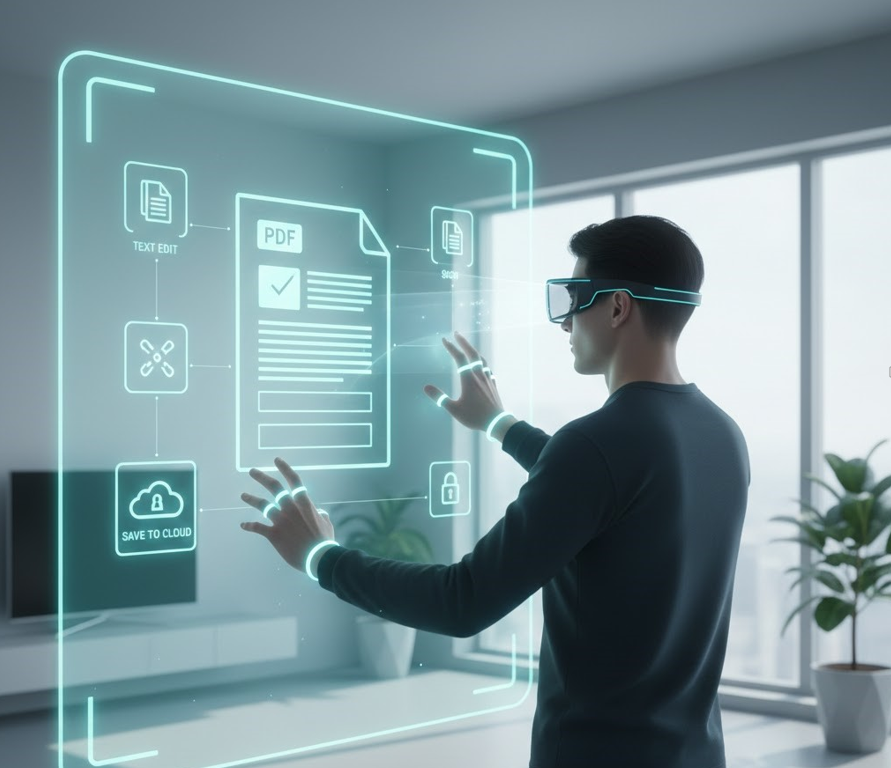
Think about file types as well. Are you editing scanned PDFs? Are you working with large multi page documents? Do you need to merge many files? Some free tools perform well on small documents but slow down on large ones.
A good editor should make export straightforward. After editing, you should be able to download the file in one clear step. Pay attention to whether the tool adds watermarks or restricts downloads. Many free tools are generous, but some limit the number of tasks per day.
Security and privacy should be part of your decision. If you upload documents with personal information, you want to know how the service handles files. Look for statements about encrypted uploads, automatic deletion, and whether they store your documents. If the site is vague, assume it may not be the best choice for sensitive content.
A strong safe free PDF editor should also preserve your document quality. Fonts should not jump around. Images should not become blurry. The layout should remain stable. Test the tool by saving and reopening the edited file, and if possible view it on another device to confirm it looks the same.
You should also evaluate the user experience. Does the site feel calm and clear? Are the buttons labeled honestly? Do you understand what will happen before you click download? A site with misleading buttons increases the risk of downloading the wrong file or missing a step.
See also: How Technology Is Shaping the Future of Libraries
Choose a clean online tools website that is easy to navigate and does not hide the basic editing features behind unnecessary steps. A good platform respects your time. It lets you upload, edit, and export without making you hunt for the next button.
It helps to check for extra features that might matter later. Compression is a big one, especially if you upload documents to portals. Page organization is another. Even if you do not need it today, it is useful when you are cleaning up a long file. OCR can be valuable if you often work with scans.
If you are using the tool for business, look for consistency and reliability. If you are using it for school, prioritize annotation and ease of use. If you are using it for personal paperwork, prioritize form filling and signatures. Matching the tool to your situation is the best way to avoid regret.
Finally, keep a small list of two or three editors you trust. No single free tool is perfect for every scenario. Having a couple of options means you can switch when you need a specific feature, or when a site is temporarily slow.
A free PDF editor should make your life easier, not more complicated. With a little careful selection, you can find a tool that feels straightforward, keeps your documents looking professional, and helps you finish tasks quickly.




 The Future of EdTech: How UK Students are Navigating 2026 Academic Standards & AI Integrity